Media resources

Press Kit

Product details, downloadable app icons, screenshots, and background information for coverage of Brainstorm/AI.

App Description

Brainstorm/AI is a concept-development tool designed to turn an initial idea into a clear, actionable plan. It combines conversational AI with guided questions, editable key concepts, visual Mind Maps, live research, and practical task suggestions.

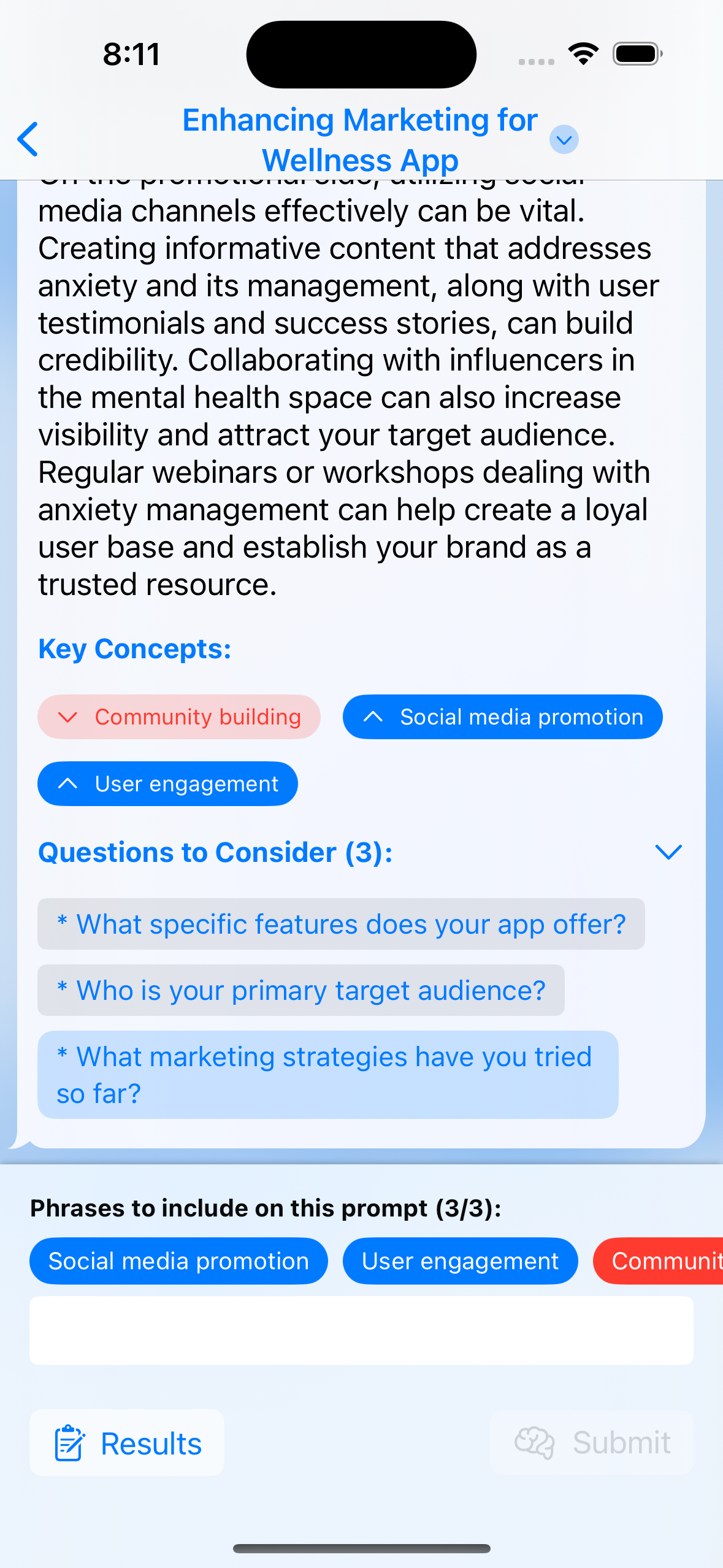
Here is how the core brainstorming flow works:

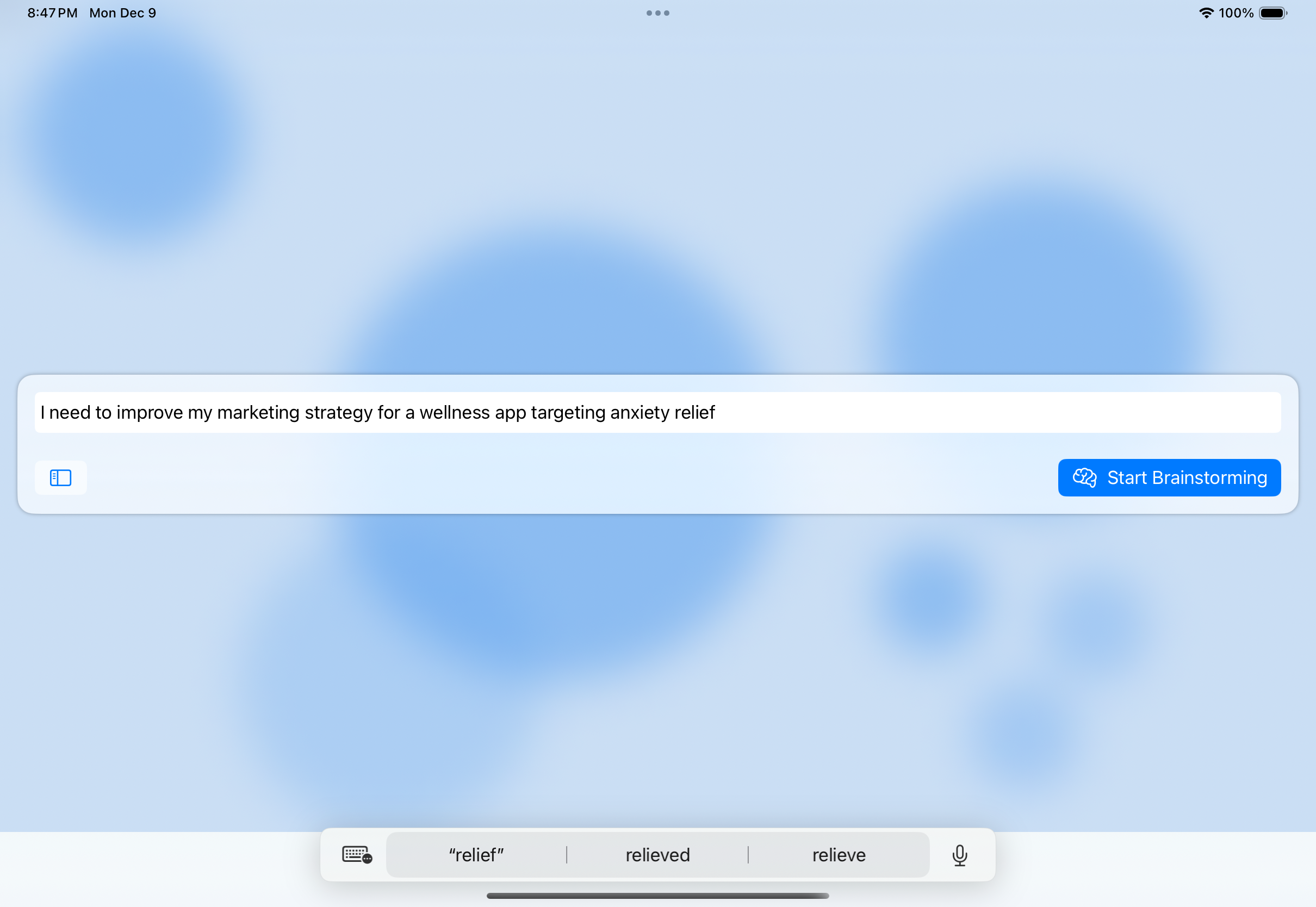
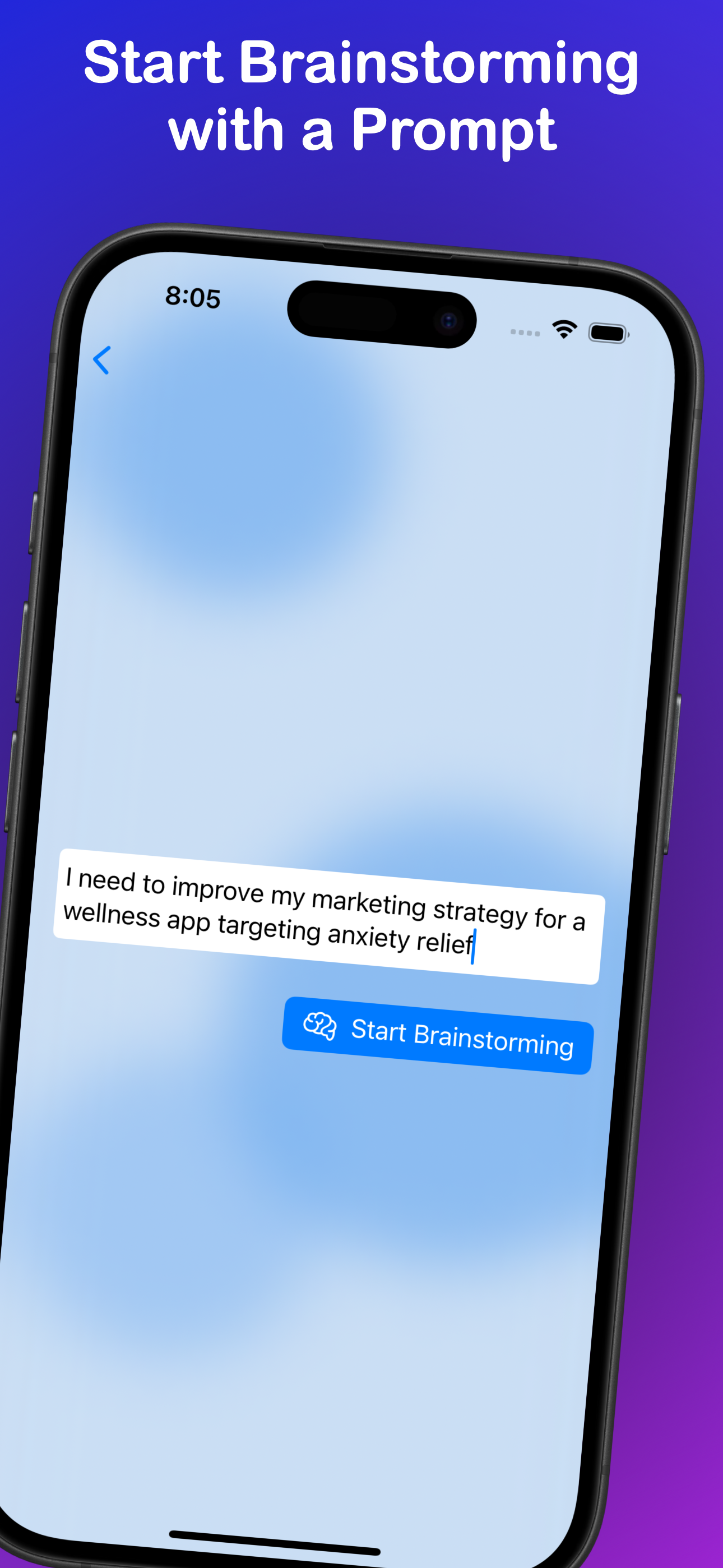
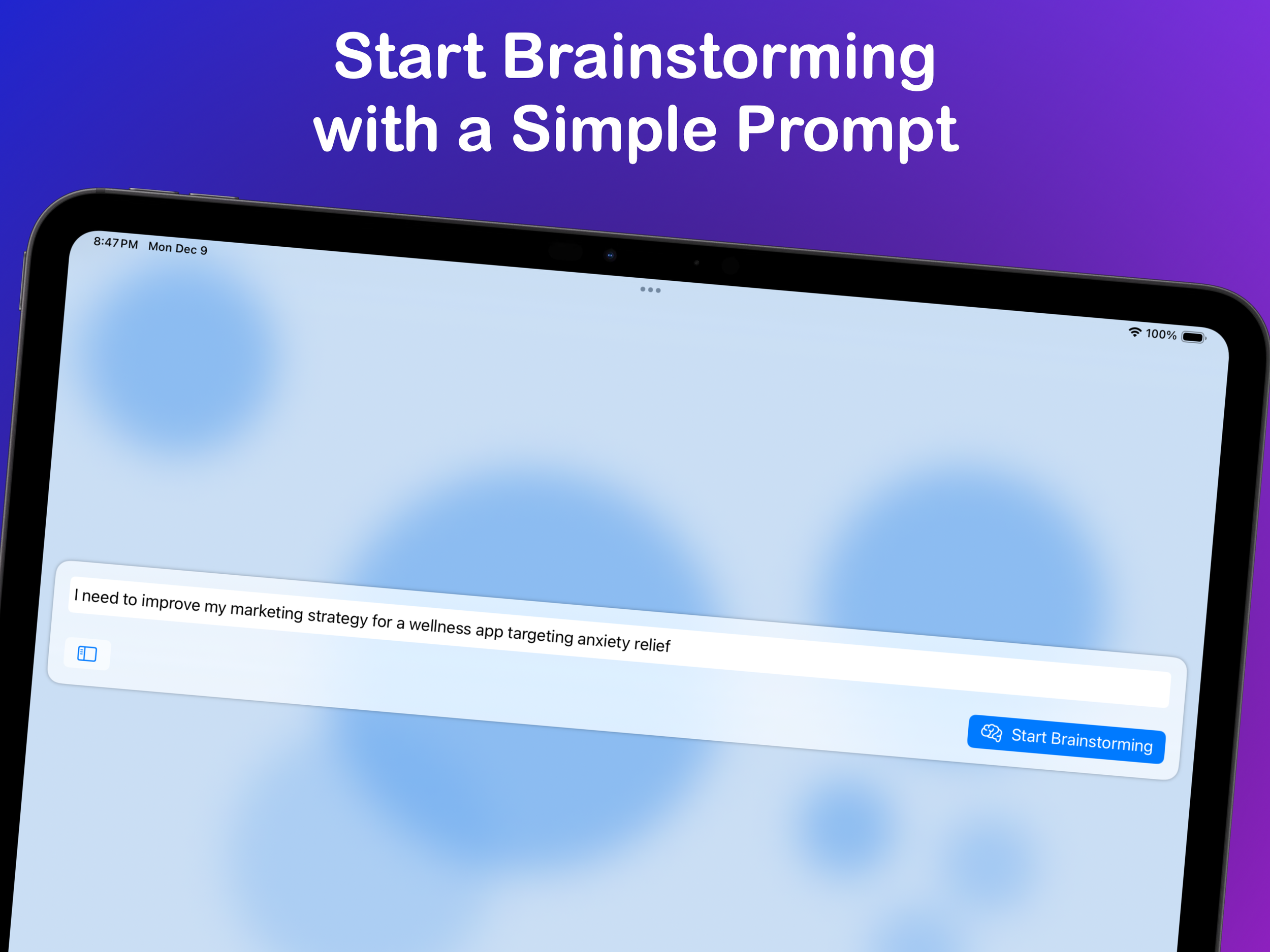
  • Start a conversation by describing what you want to explore.
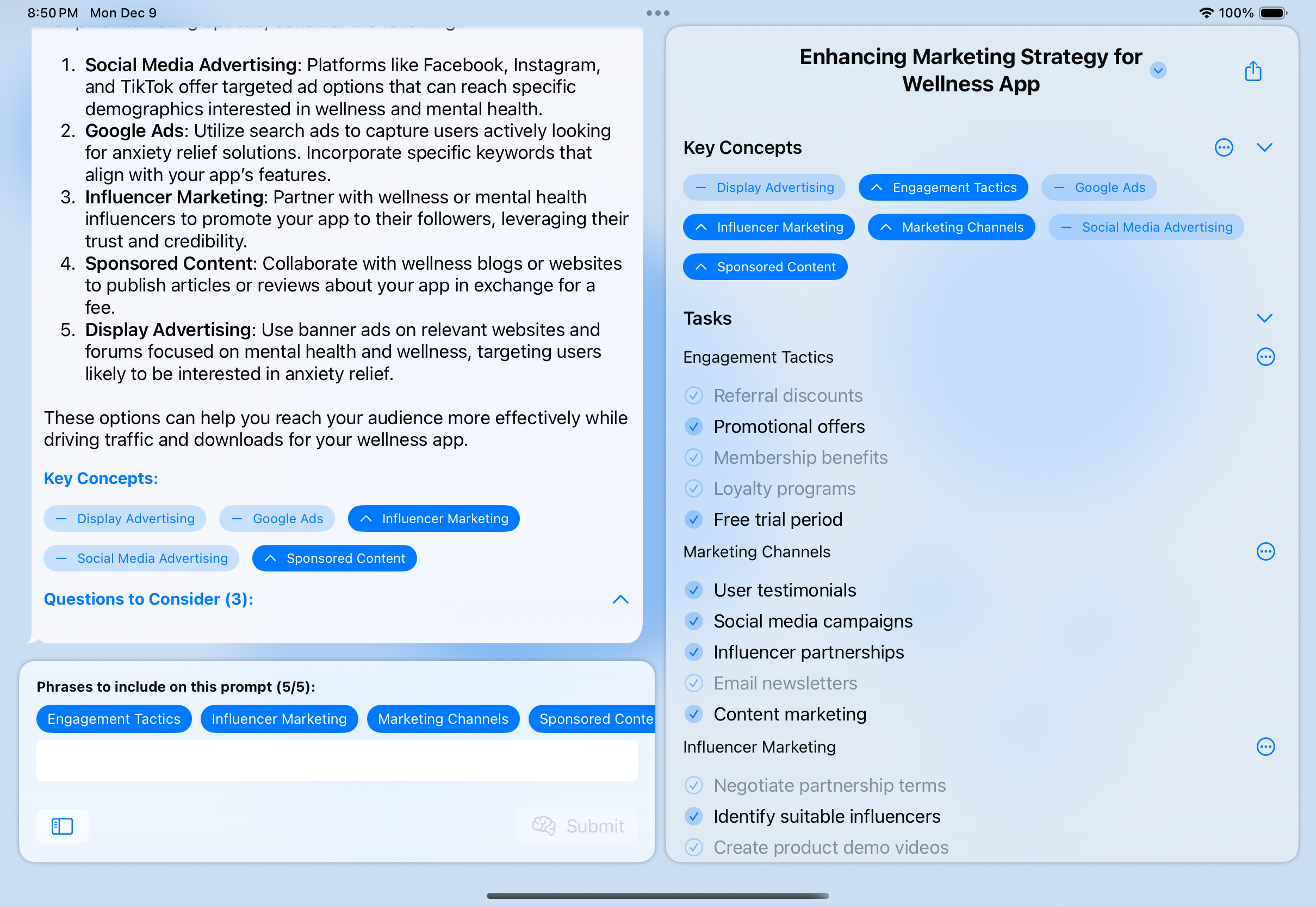
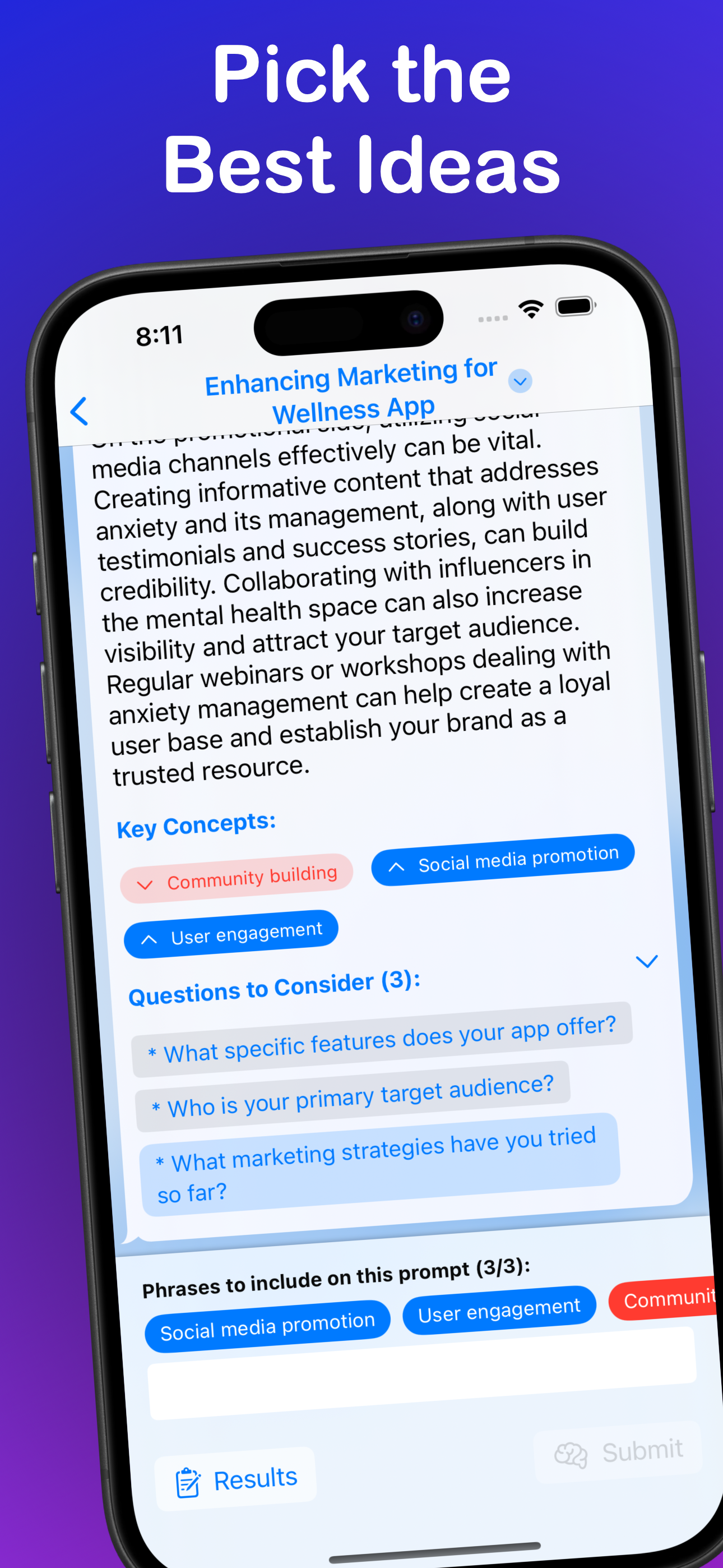
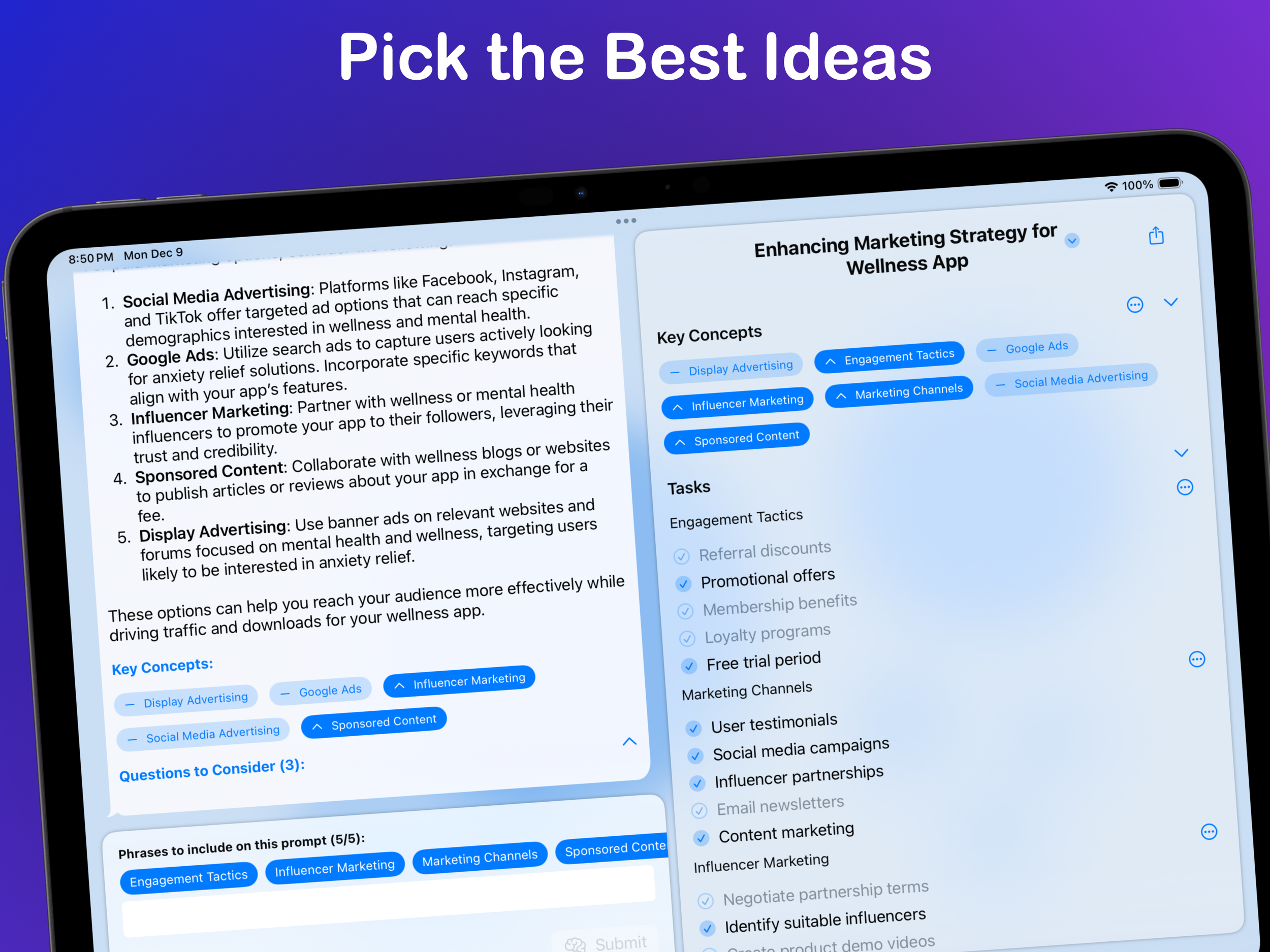
  • Guide the direction by upvoting or downvoting suggested key concepts.
  • Answer optional clarifying questions when a topic needs more context.
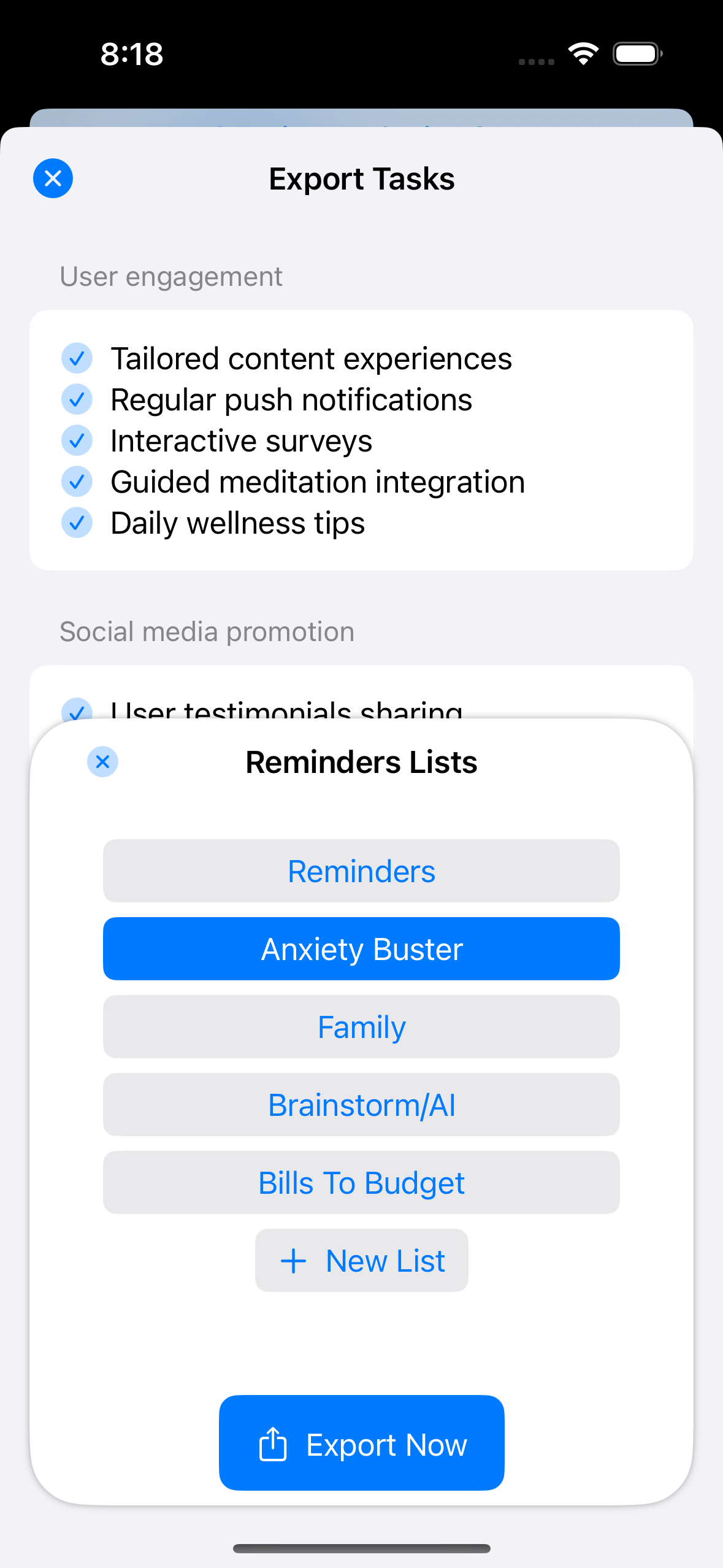
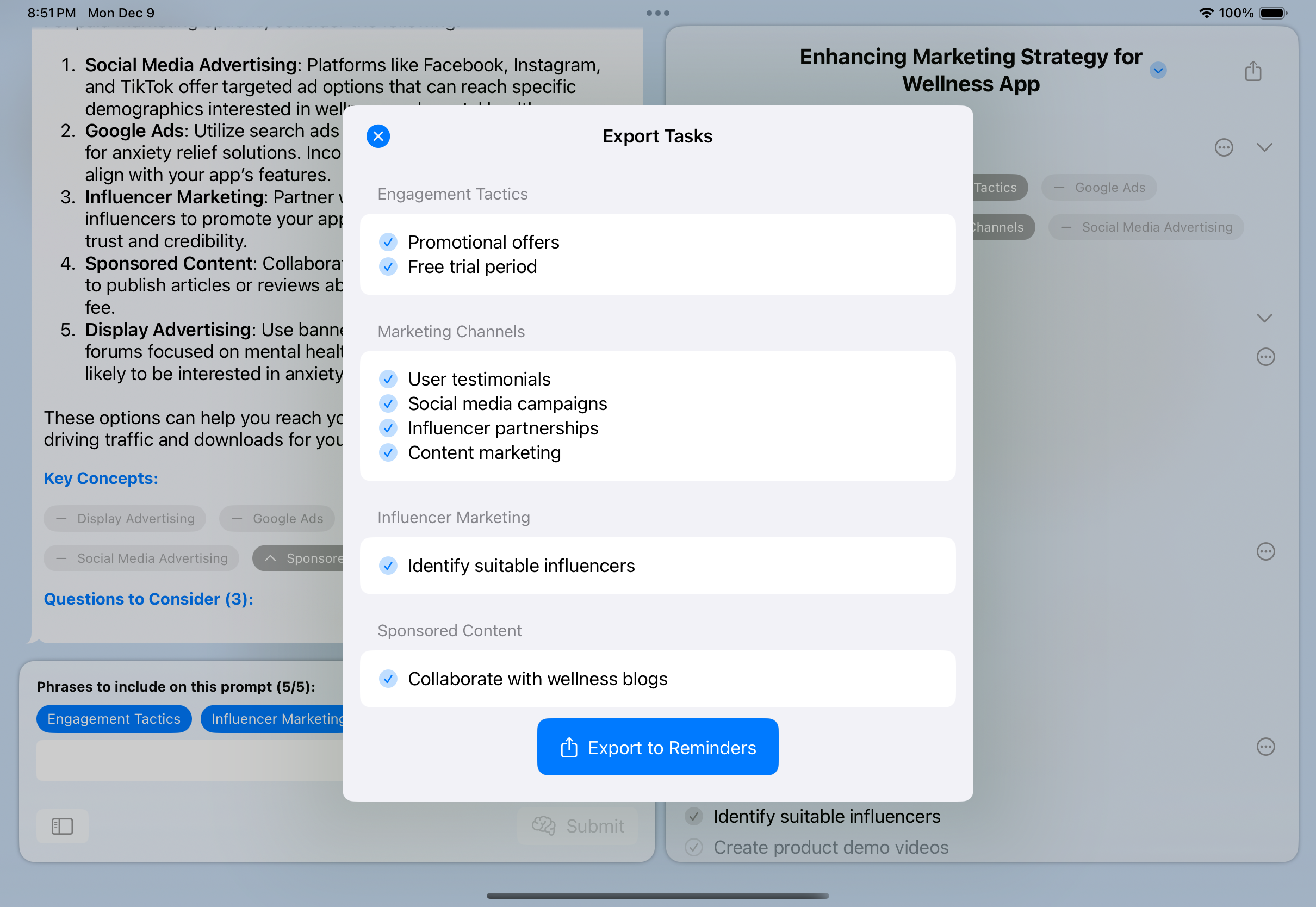
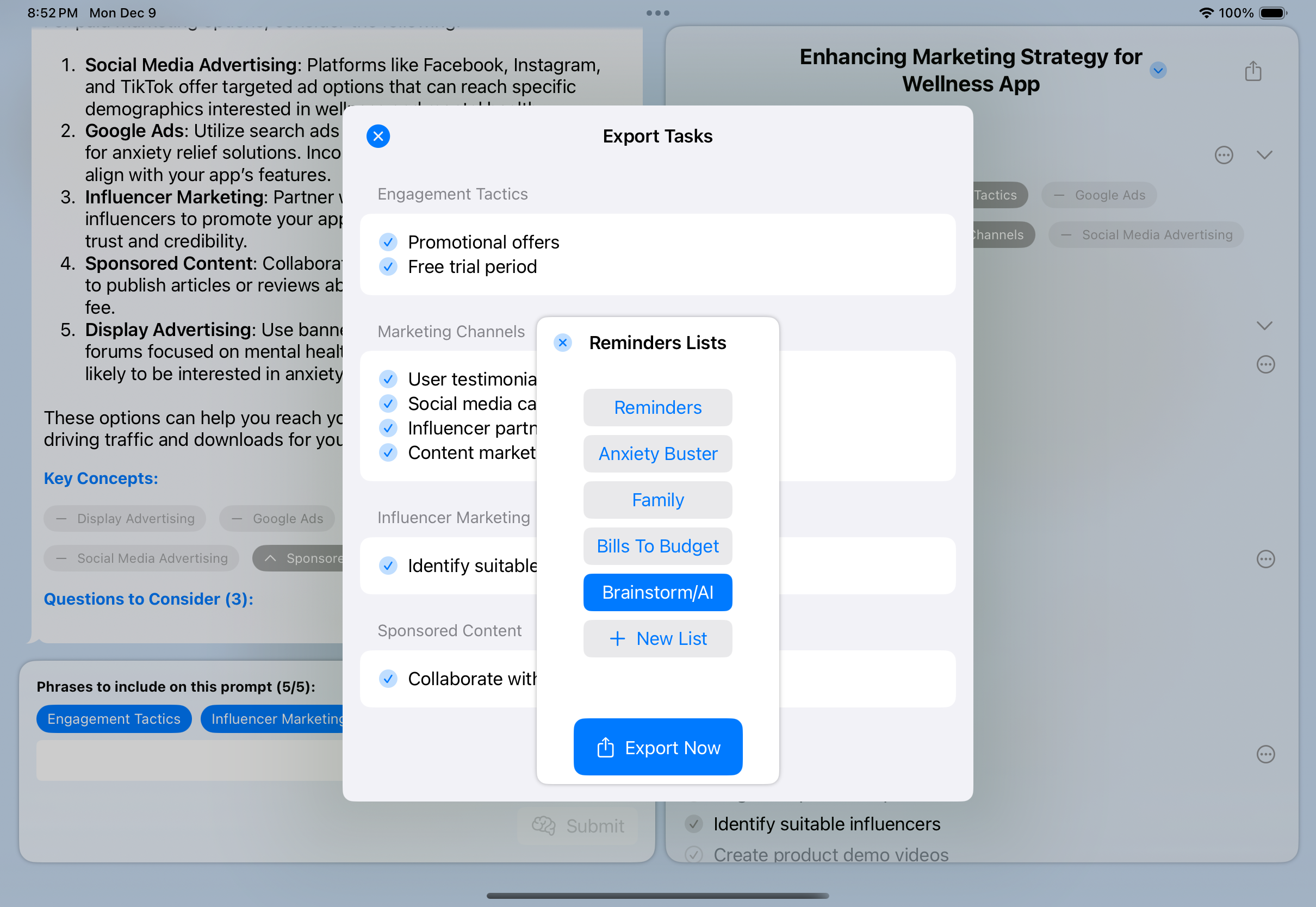
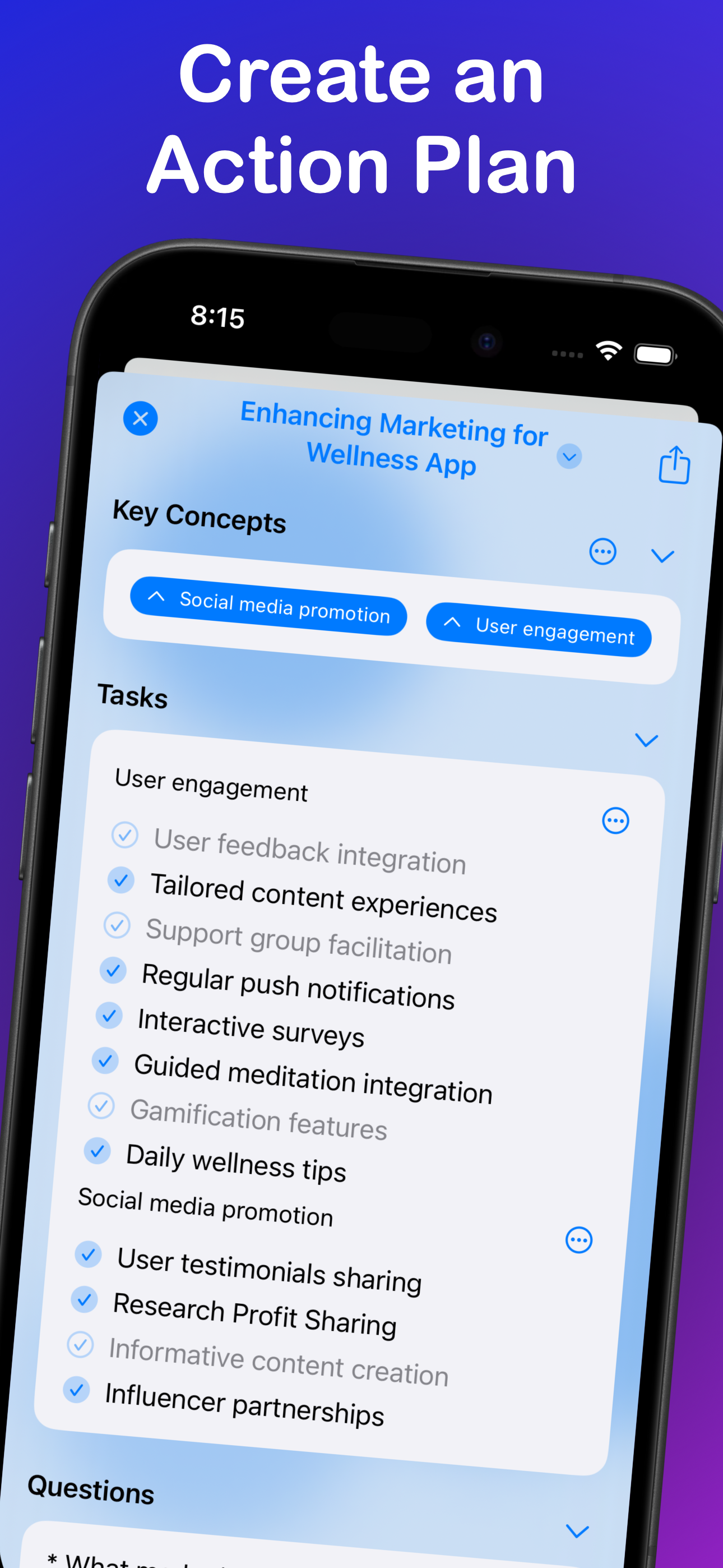
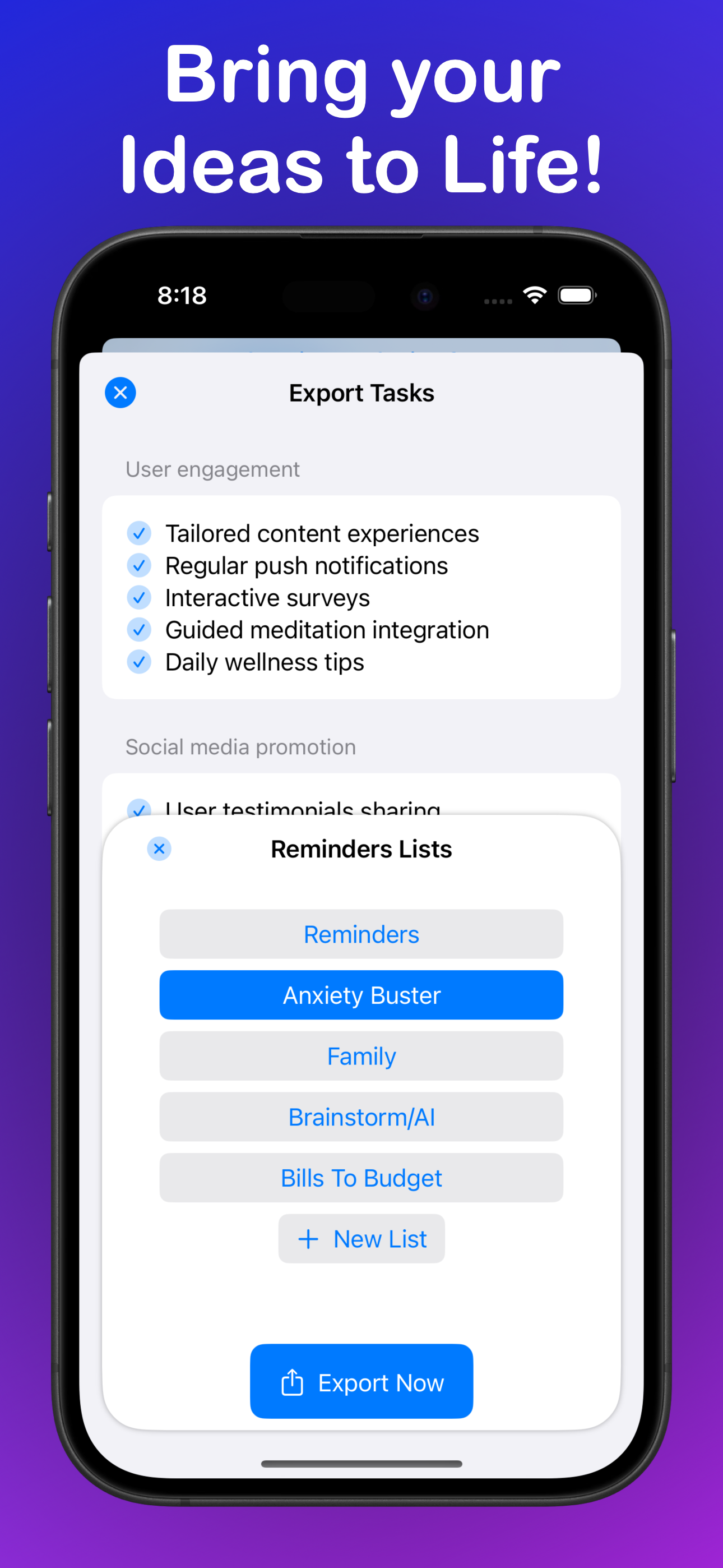
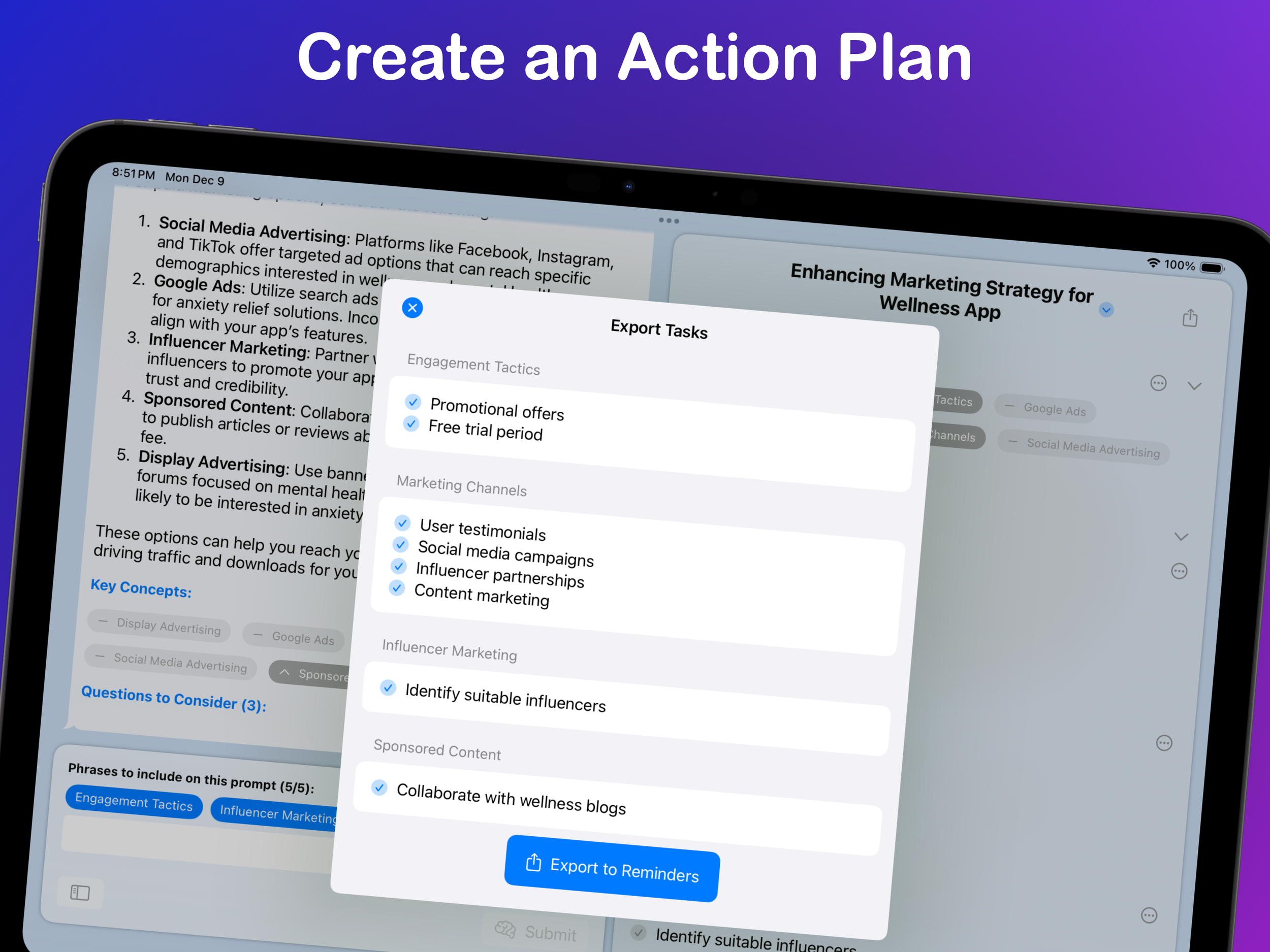
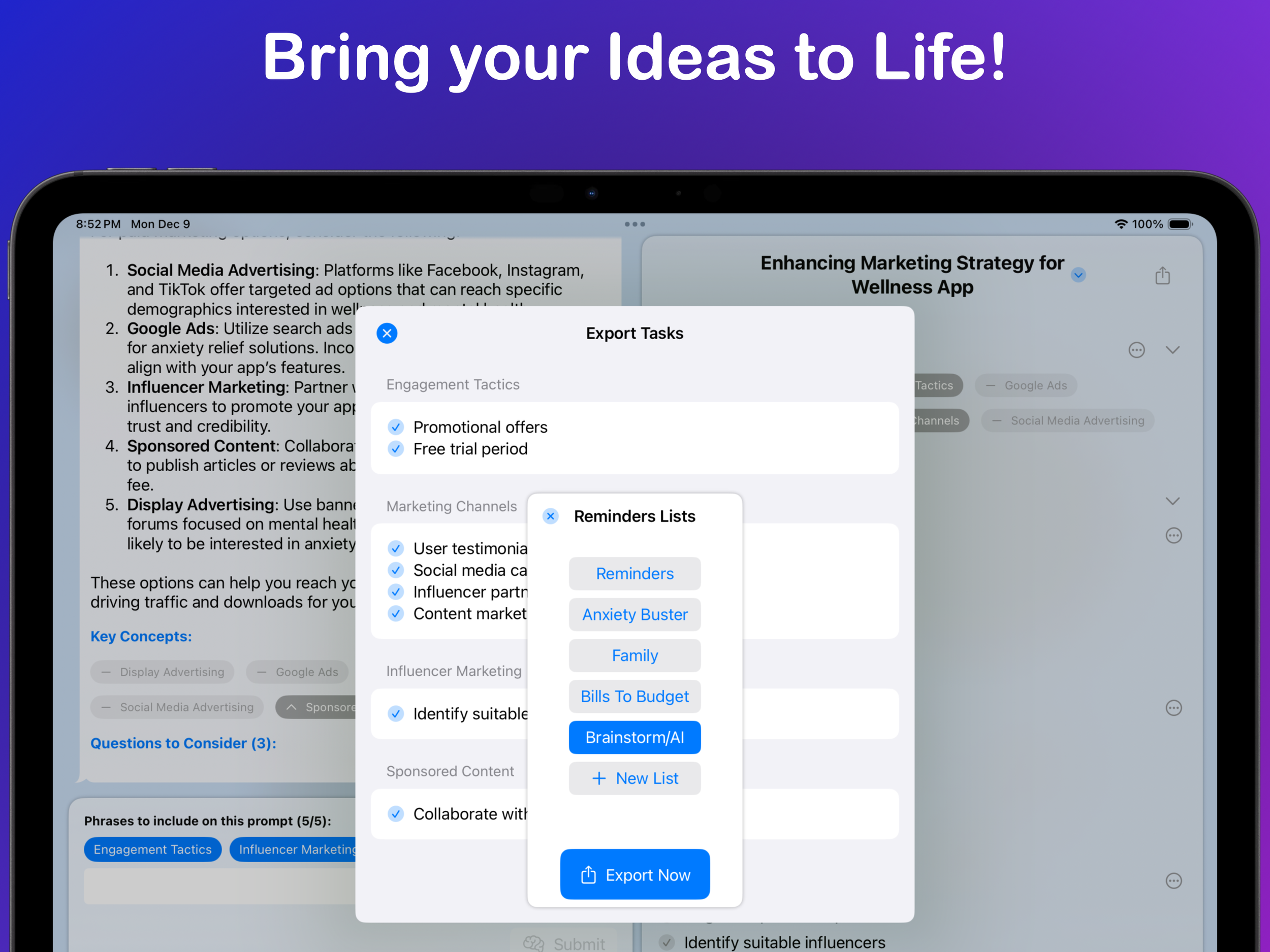
  • Turn the strongest concepts into editable tasks and export them to Apple Reminders.
  • Use Mind Maps and saved memories to carry context into future sessions.

Brainstorm/AI is available for iPhone, iPad, Mac with Apple silicon, and Apple Vision.

Download Brainstorm/AI on the App Store

Download library

Icons and Screenshots

Use the individual images below or download complete, consistently named collections. Please do not crop, recolor, distort, or add effects to the app icons.

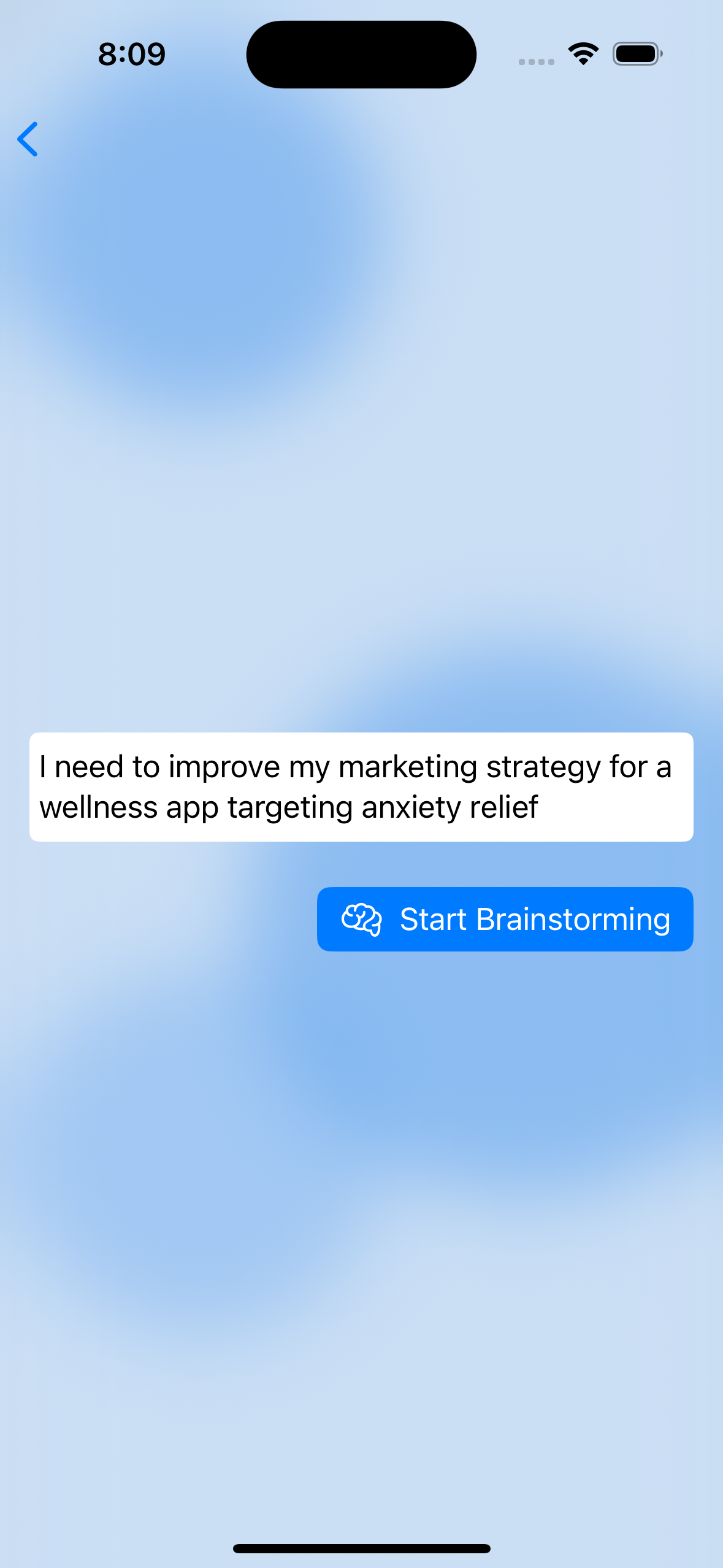
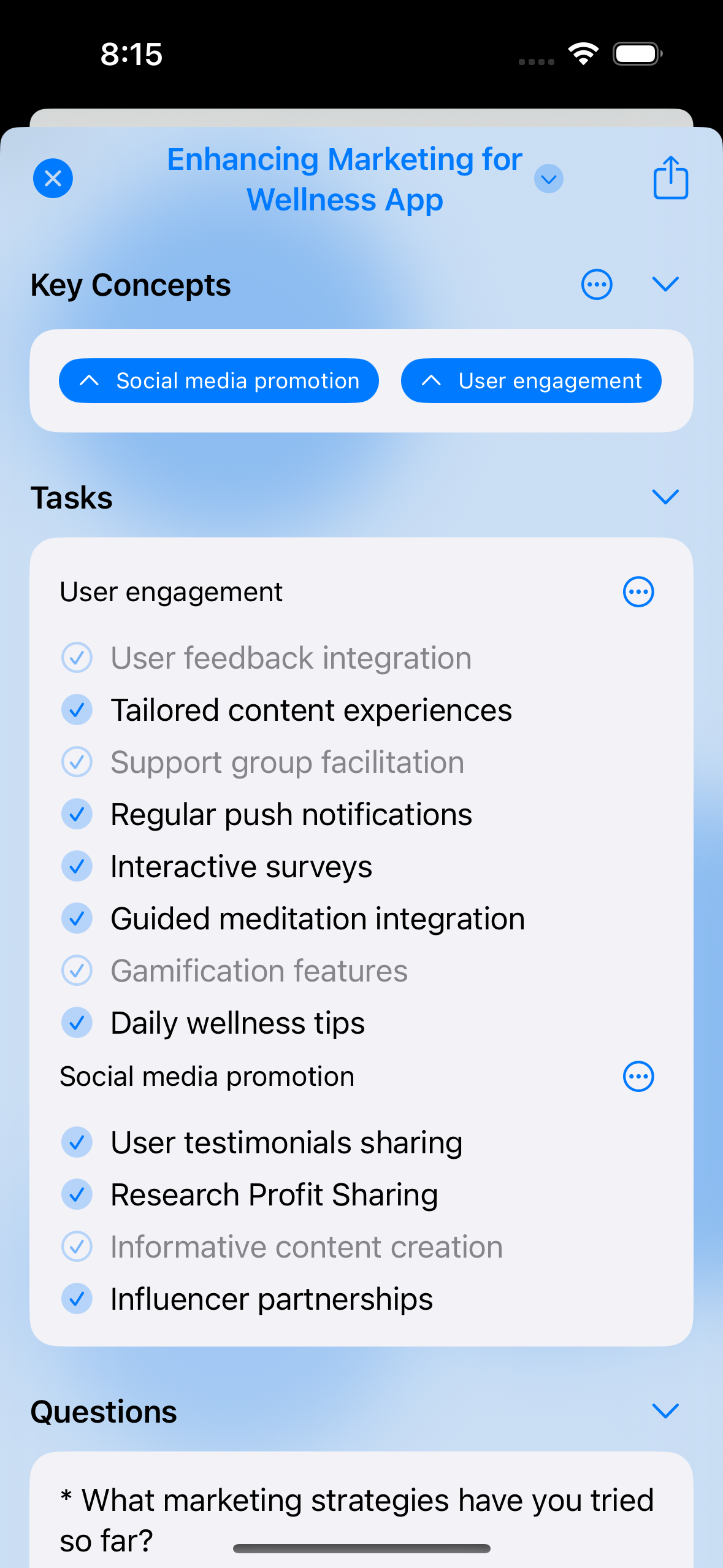
iPhone Feature Screenshots

Prompt, ideas, tasks, and Reminders screens without App Store marketing text.

iPad Feature Screenshots

Prompt, ideas, tasks, and Reminders screens in the iPad layout.

iPhone App Store Screenshots

Press-ready iPhone marketing screenshots.

iPad App Store Screenshots

Press-ready iPad marketing screenshots.

Product news

Recent Announcements

About the developer

Hi, I’m Matt.

I’m an indie app developer, a husband, a dad, and a hockey fan.

With more than 20 years of experience in enterprise IT, I started building apps in my own time to solve my own problems — and hopefully some of yours, too. I left the corporate world to dedicate as much time to my apps as possible while working with a few clients along the way.

I also build Bills to Budget, Signals for HomeKit and Follow the Sun for HomeKit, and I run Indie App Sales.